Banner guide
Everything you need to prepare a banner for MMOListServer.
Sizes
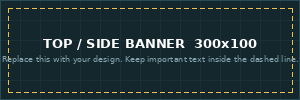
- Top banner: 300 × 100 px (shown in the row at the top of the page)
- Side banner: 300 × 100 px (shown under the Top voted servers list)
- Wide banner: 1200 × 120 px (one big banner above everything else)
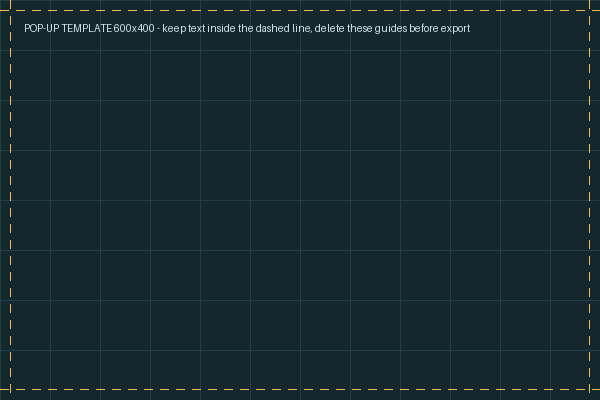
- Pop-up: 600 × 400 px (shown in the middle of the page when a visitor arrives; visitors can close it or hide it for 24 hours)
File rules
- PNG or JPG up to 500KB. Animated GIF up to 1MB.
- The image must be exactly the right size. If yours is not, the built-in editor lets you move and zoom it to fit.
- Keep important text inside the safe area (about 10 px from each edge), because some screens crop edges slightly.
What gets approved
- Your server name or logo, clear readable text, and the season or rates are a great start.
- No adult content, no hateful or illegal content, no misleading claims and no imitation of other sites or brands.
- No flashing, strobing effects.
- Banners are reviewed by hand, usually within 2 hours. If one is not approved, you get an email with the reason and can upload a new image. Your slot stays reserved.
Free templates
Download a template with a grid and the safe area marked, design on top of it, then delete the guides before exporting.

How to upload
- Add your server and choose your banner on the promotion screen, then pay with PayPal.
- Open My servers and press the banner upload button.
- Choose your image, adjust it if needed, and send it. We will approve it shortly.
Questions? Contact us